BrickLink logo

BrickLink® Academy

Stack your skills. Build your future!

Start learning now

We’re still finalizing the lesson plans, but don’t let that stop you from learning today! Here are some hand-picked videos to get you started.


Studio icon

BrickLink® Basics: Intro to Studio. In this webinar we cover topics like finding bricks, moving and rotating parts, coloring elements, and a quick intro to the Instruction Maker. Click here to watch the video.

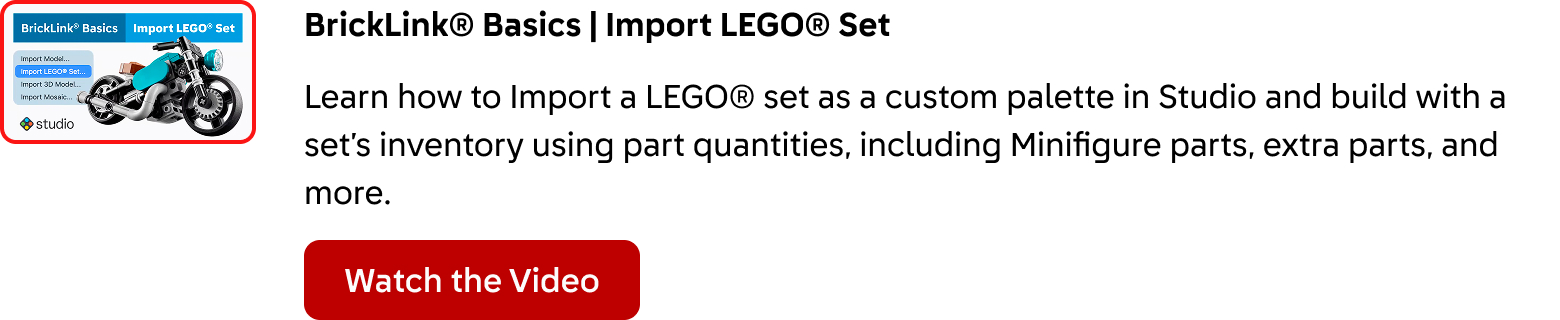
BrickLink® Basics: Import a LEGO® Set. Learn how to Import a LEGO® set as a custom palette in Studio and build with a set’s inventory using part quantities, including Minifigure parts, extra parts, and more. Click here to watch the video.

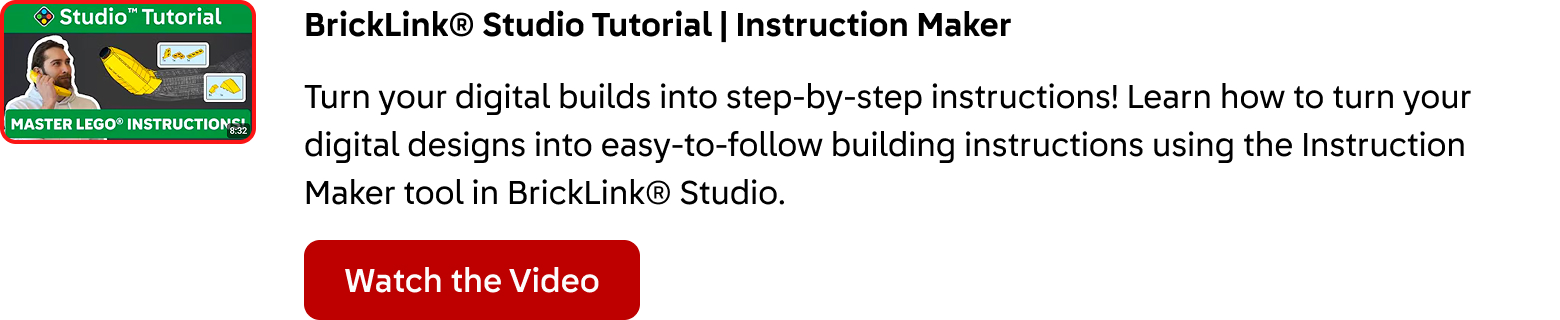
BrickLink® Studio Tutorial: Instruction Maker. Turn your digital builds into step-by-step instructions! Learn how to turn your digital designs into easy-to-follow building instructions using the Instruction Maker tool in BrickLink® Studio. Click here to watch the video.

Survey-Closed-Banner.png