BrickLink logo

BrickLink® Academy

Stack your skills. Build your future!

Start learning now

We’re still finalizing the lesson plans, but don’t let that stop you from learning today! Here are some hand-picked videos to get you started. Complete our survey to tell us what you’d like to learn!


Studio icon

BrickLink® Basics: Intro to Studio. In this webinar we cover topics like finding bricks, moving and rotating parts, coloring elements, and a quick intro to the Instruction Maker. Click here to watch the video.

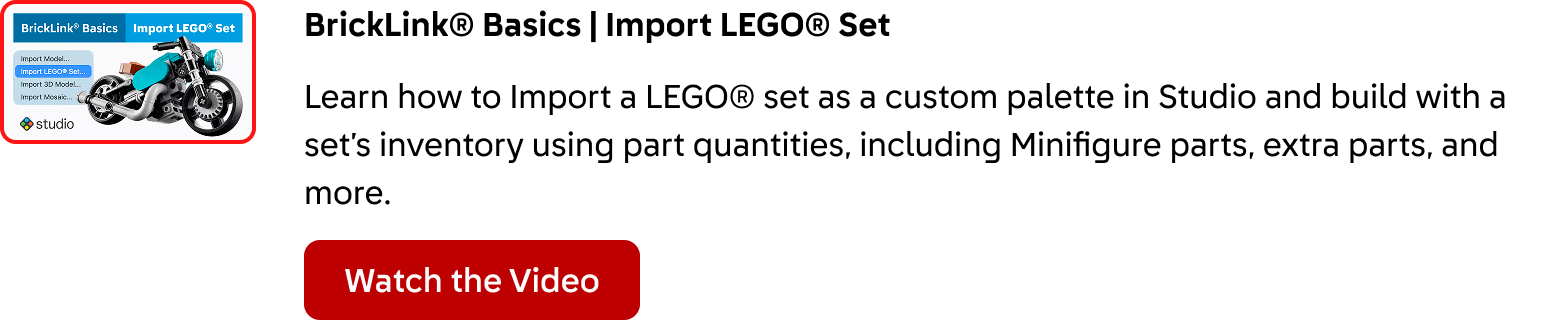
BrickLink® Basics: Import a LEGO® Set. Learn how to Import a LEGO® set as a custom palette in Studio and build with a set’s inventory using part quantities, including Minifigure parts, extra parts, and more. Click here to watch the video.

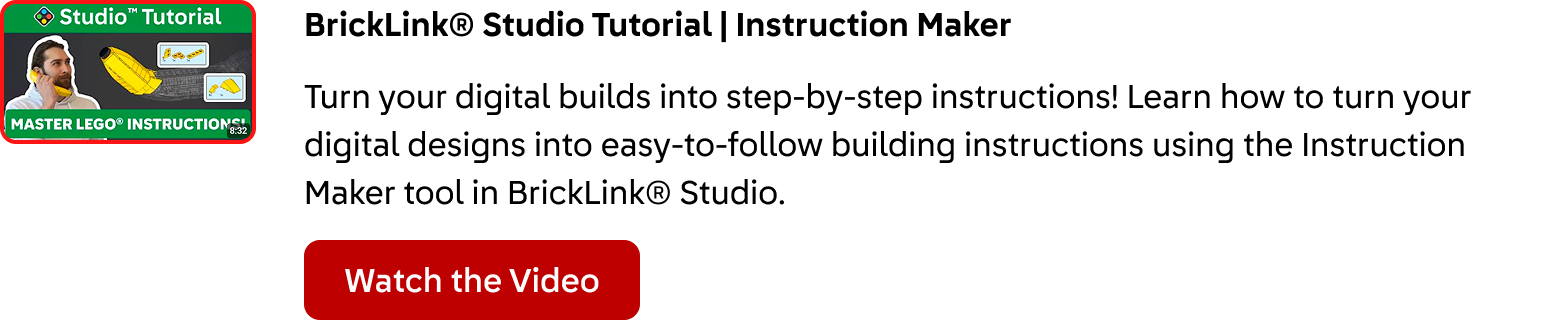
BrickLink® Studio Tutorial: Instruction Maker. Turn your digital builds into step-by-step instructions! Learn how to turn your digital designs into easy-to-follow building instructions using the Instruction Maker tool in BrickLink® Studio. Click here to watch the video.

Still craving more? We’re still building the BrickLink Academy, so let us know what topics we should cover in the future. Click here to take the survey. This banner is a graphic designed with a red background and a silhouette of stacked dark red LEGO® bricks with the BrickLink parrot mascot in blue.